MicroG
Tools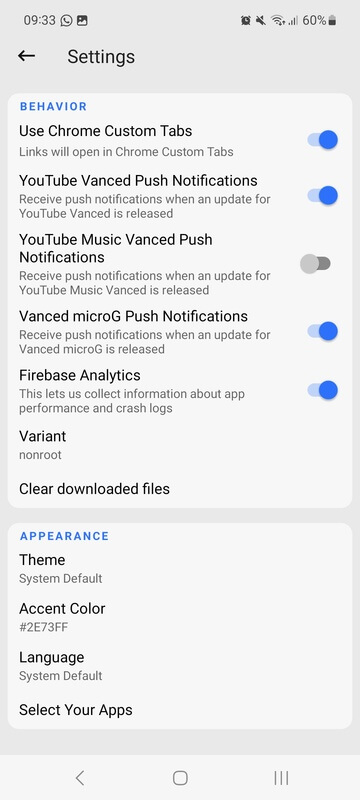
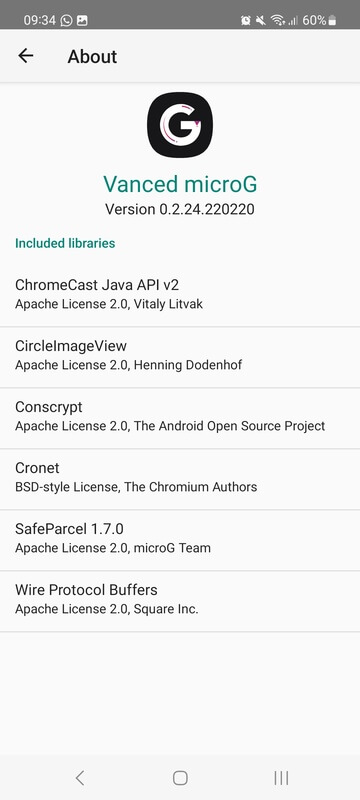
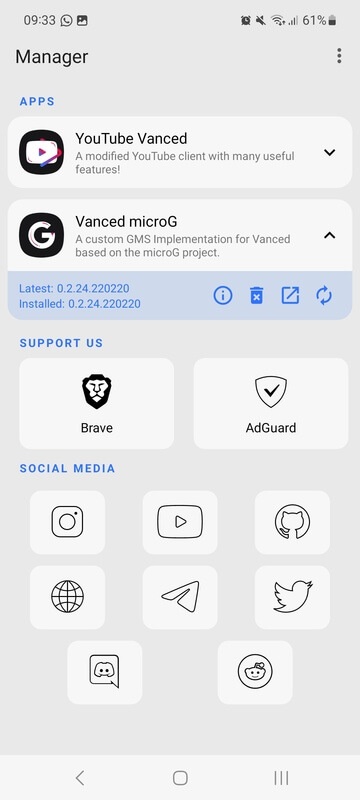
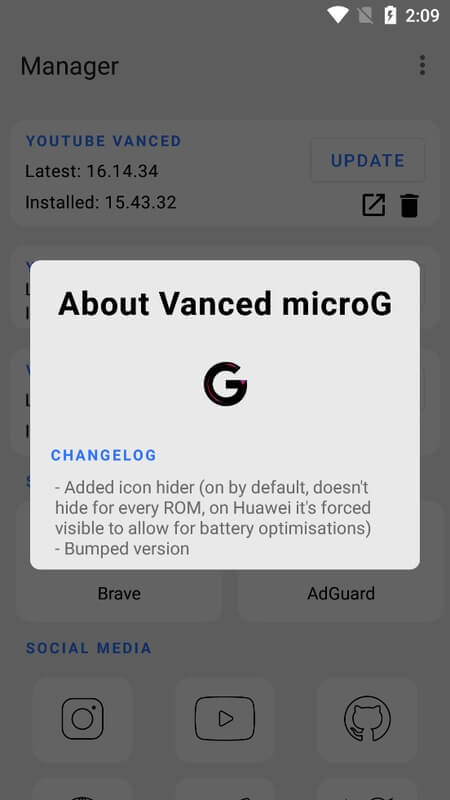
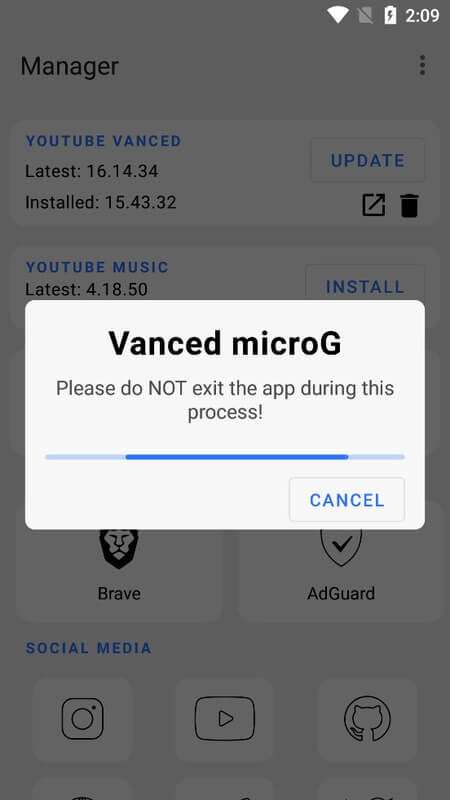

MicroG is an open‑source reimplementation of core Google Play Services. It lets Android devices run apps that depend on Google’s APIs without installing the full, proprietary Google suite.
This page provides the latest MicroG build (v0.3.13.3.250932-hw), a step‑by‑step install guide, troubleshooting tips, and a quick safety overview.
Quick Information
| App/Game Name | MicroG |
| Latest Version | 0.3.13.3.250932-hw |
| Developer | Not listed |
| Category | Apps / Tools |
| App Size | 100.65 MB |
| Package Name | com.mgoogle.android.gms |
| Last Updated | 1 October 2026 |
What Is MicroG?
MicroG mimics the functionality of Google Play Services, providing location, push notifications, authentication, and other APIs that many Android apps expect. Because it’s built from the ground up, it’s considerably smaller than the official package and can be used on devices where the full Google stack is unwanted or unavailable.
It targets users who want more control over their privacy, want to run Google‑dependent apps on custom ROMs, or simply wish to reduce the number of pre‑installed Google apps.
Compatibility
Compatibility
| Android Version | Not Verified |
| Architecture (ARM64 / 32-bit) | ✓ Verified — Supports common device architectures |
| Internet Connection | ✓ Verified — May be required for ads, updates, or login |
| Storage Needed | Not Verified |
| OBB/Data Files | Not Verified |
| Root Required | Not Verified |
How to Install
- Enable Unknown sources in Settings > Security (or allow the file manager you’ll use).
- Download the MicroG APK file to your device.
- Tap the downloaded file to launch the installer and follow the on‑screen prompts.
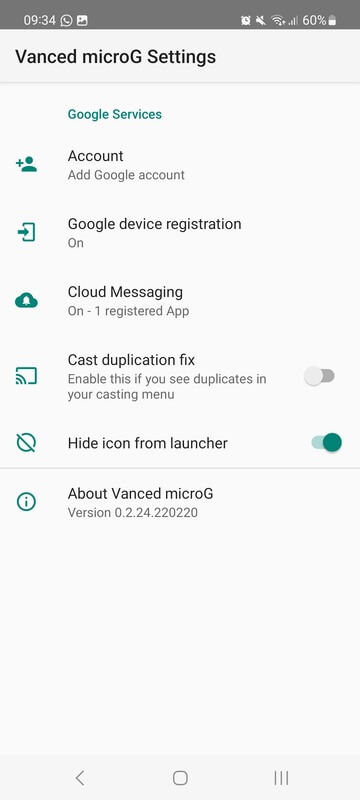
- After installation, open the MicroG Settings app to configure required services (e.g., location, push).
- Reboot the device to ensure the services start correctly.
Troubleshooting
- App not installed – Verify that the APK is fully downloaded and that the file isn’t corrupted. Also, ensure your device allows installations from unknown sources.
- Crashes on startup – Check that your Android version meets the minimum requirement (usually Android 5.0+). Clearing the app cache or reinstalling can help.
- Google‑dependent apps still fail – Make sure the necessary MicroG components (e.g., UnifiedNlp, GmsCore) are enabled in the MicroG Settings.
- Login or authentication issues – Confirm that you have signed in to a Google account within MicroG’s Account Manager, and that the device has internet access.
Safety & Security
MicroG is a community‑maintained project, not an official Google product. While the source code is publicly available for review, users should download the APK from a reputable source and verify its integrity (e.g., compare SHA‑256 hashes when provided). Pay attention to the permissions the app requests; MicroG typically needs access to location, storage, and network to function correctly.
Because MicroG replaces core Google services, updates to the official Play Services may cause compatibility issues. Keep an eye on the project’s release notes and update the APK when a newer, stable build is available.
How MicroG Compares
| Feature | MicroG | Google Play Services | Open GApps |
|---|---|---|---|
| Price | Free, open source | Free, proprietary | Free, open source (bundle) |
| Platform | Android (any ROM) | Android (official builds) | Android (custom ROMs) |
| Standout Feature | Lightweight replacement for core services | Full Google ecosystem integration | Comprehensive Google app package |
| Best For | Privacy‑focused users, custom ROM owners | Users needing full Google experience | Those who want most Google apps without Play Store |
Alternatives
Other projects that provide similar functionality include:
- Aurora Store – An open‑source client for the Google Play Store that lets you download apps without a Google account.
- Open GApps – A collection of Google apps and services packaged for custom ROMs, offering the official Google experience.
- F-Droid – A catalog of free and open‑source Android apps; while it doesn’t replace Google services, it provides many alternatives that avoid Google dependencies.
Final Verdict
MicroG is a solid choice for users who want core Google APIs without the bloat of the full Play Services suite. It works well on most modern Android versions, but because it’s a community project, occasional compatibility hiccups can occur after major Google updates. Verify the source, review permissions, and keep the APK updated for the best experience.
Frequently Asked Questions
MicroG is open source, so its code can be inspected, but you should download it from a trusted source and check any provided hashes.
It provides many core APIs, but some Google‑specific features may still require the official services.
MicroG generally supports Android 5.0 (Lollipop) and newer, though newer builds may target higher versions.
Root is not required for the basic installation, but some advanced features (like system‑level integration) may need root.
Most apps that rely on standard Google APIs work, but a few may still need the official services.
Download the newest APK from a reliable source and reinstall it; the installer will replace the older version.
MicroG can coexist with Google apps, but some may fall back to the official services if they detect them.